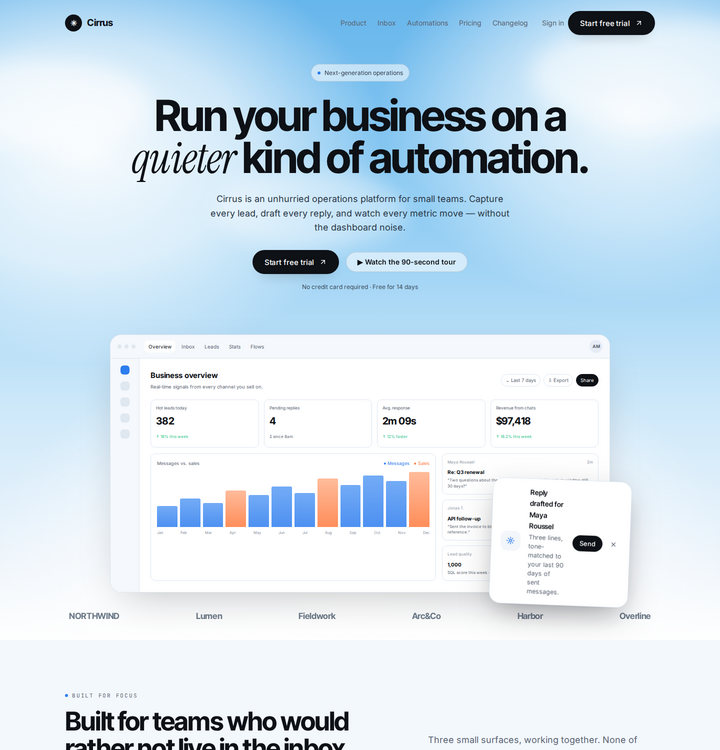
Cirrus
SaaSLight, calm, cloudy
A cloud-sky SaaS landing with a live-looking operations dashboard, pill controls and quiet pricing.
SaaSdashboardlightpricing
A practical walkthrough for you and a client: decide the job, compare complete layouts, swap an element, then match the work to a tier. Print it or drive it from this page.
A layout is only good if it does the work. Before opening a single design, ask what the site must make happen.
Call, book, buy, apply, donate or read. If there is one, the one-page tier is usually enough.
If a client needs to understand three or four offers, the content-site tier earns its keep.
Products, stock, shipping, pickup or booking. That is a storefront, not a brochure.
Sign-in, roles, payments, moderation, versions. That is an application and needs the platform tier.
If the client cannot name the one thing a visitor should do, the site is not ready for a layout. Fix the offer first; then the design gets simple.
Open each layout live. Ask which one feels like the client’s business at a glance — then check whether it still works when the copy is real.
Light, calm, cloudy
A cloud-sky SaaS landing with a live-looking operations dashboard, pill controls and quiet pricing.
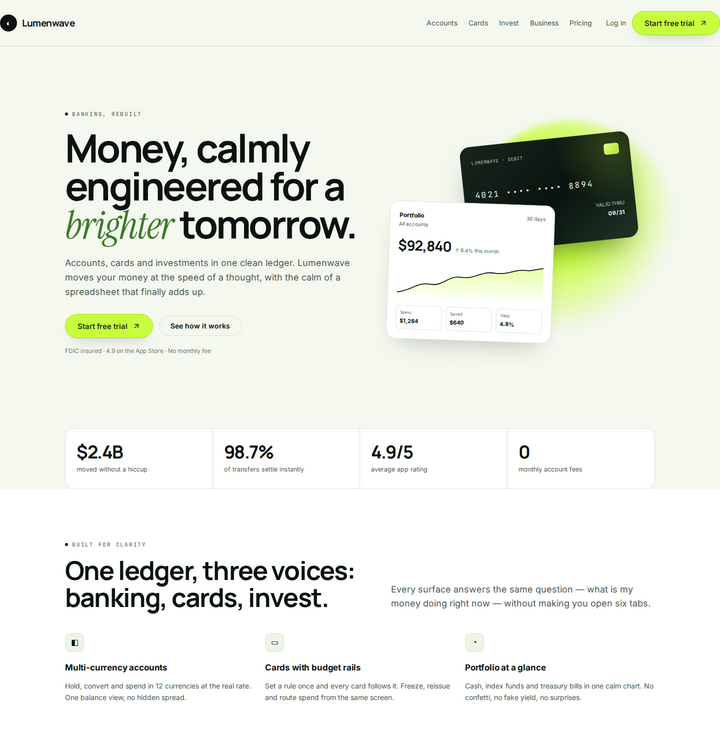
Bright, confident, lime
A fintech split hero with a tilted card stack, analytics panel and a dark ledger dashboard.
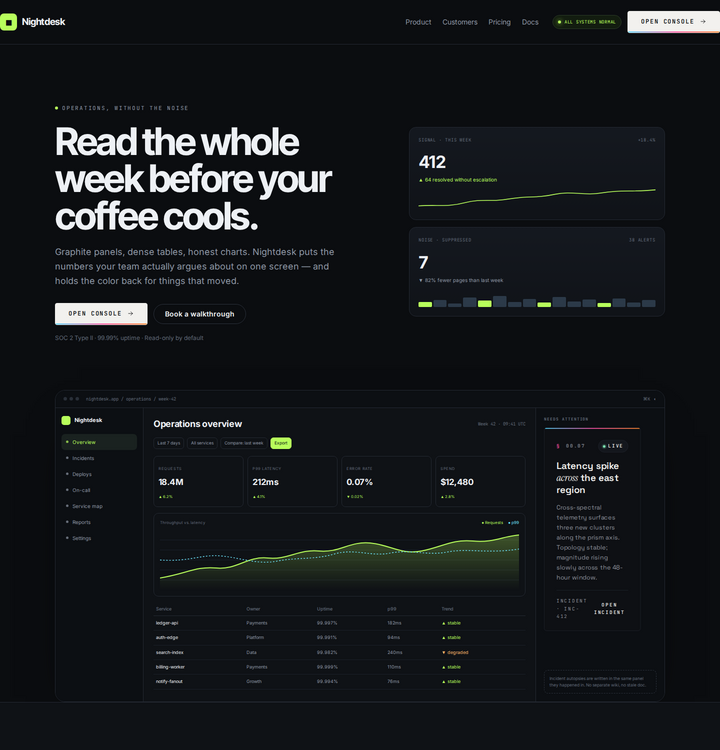
Graphite, dense, precise
An operations landing built around a wide app shell: KPI row, chart, service table and incident card.
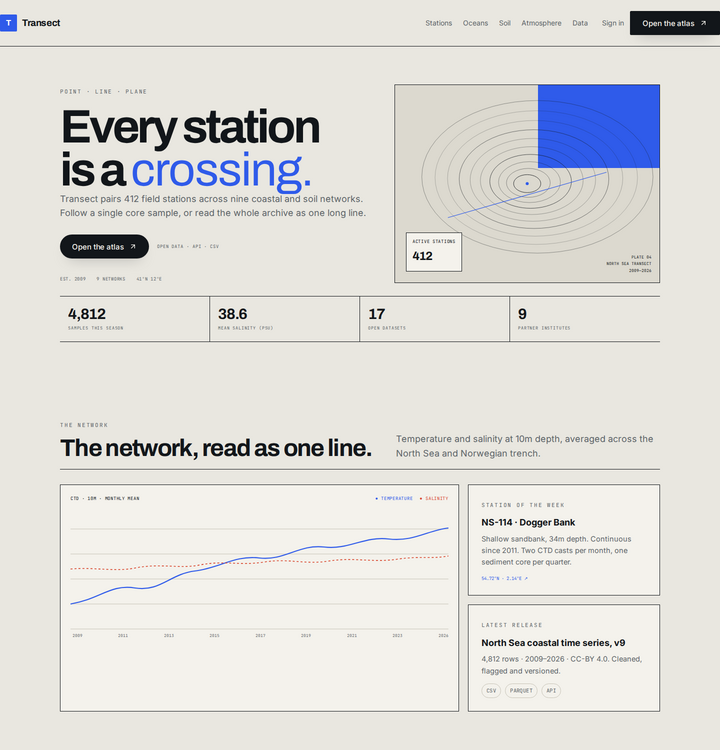
Paper, contour, research
An earth-systems research portal with a contour hero, time-series chart, dataset table and field notes.
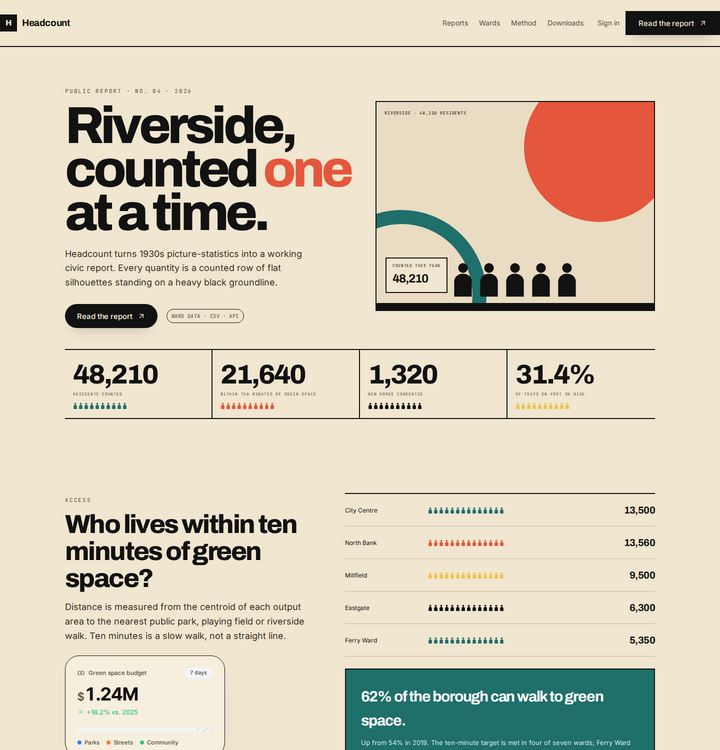
Civic, counted, bold
A civic picture-statistics report: heavy groundlines, silhouette glyphs, ward rows and a public table.
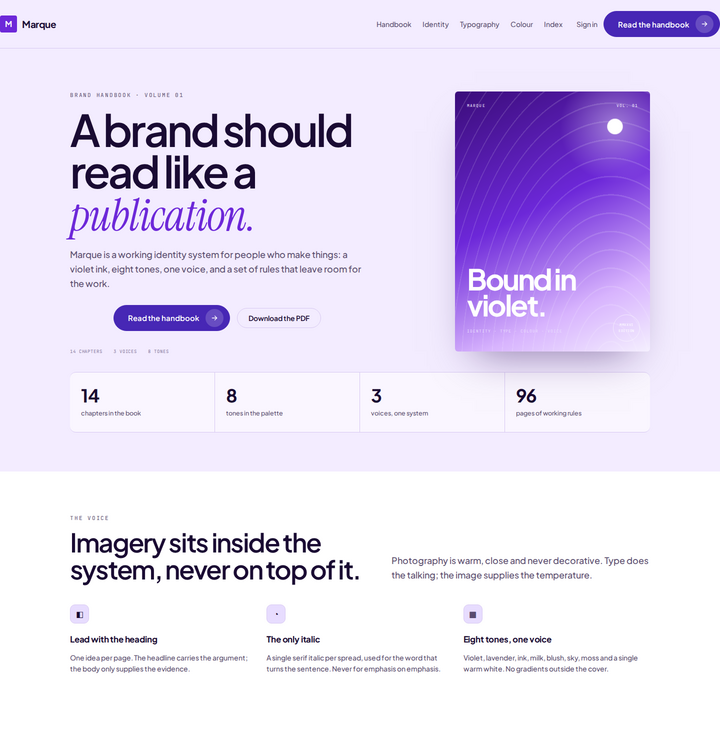
Violet, literary, precise
A brand-handbook page with a wavy book cover, colour swatches, chapter index and generous type.
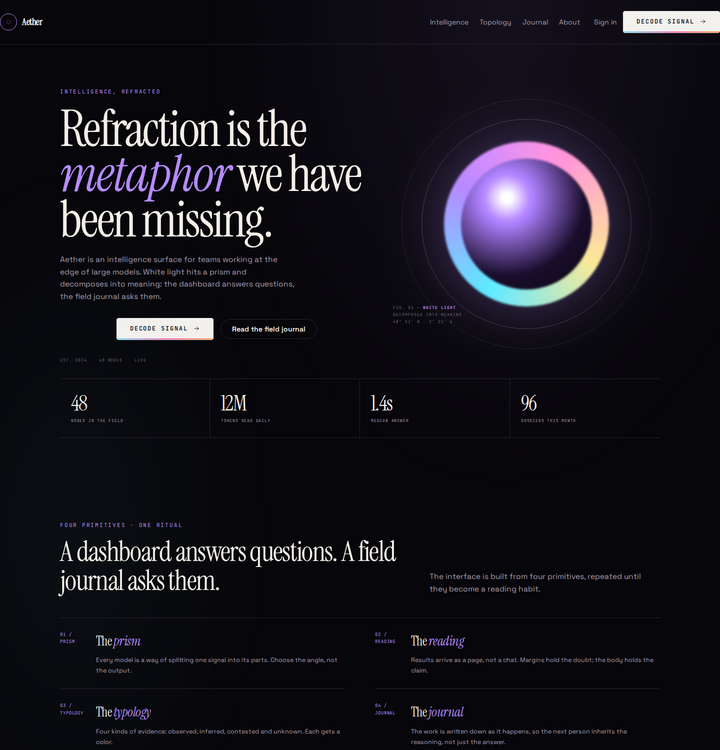
Chromatic, editorial, AI
An editorial AI product page: oversized italic serif, prism orb, manifesto rules and a dossier card.
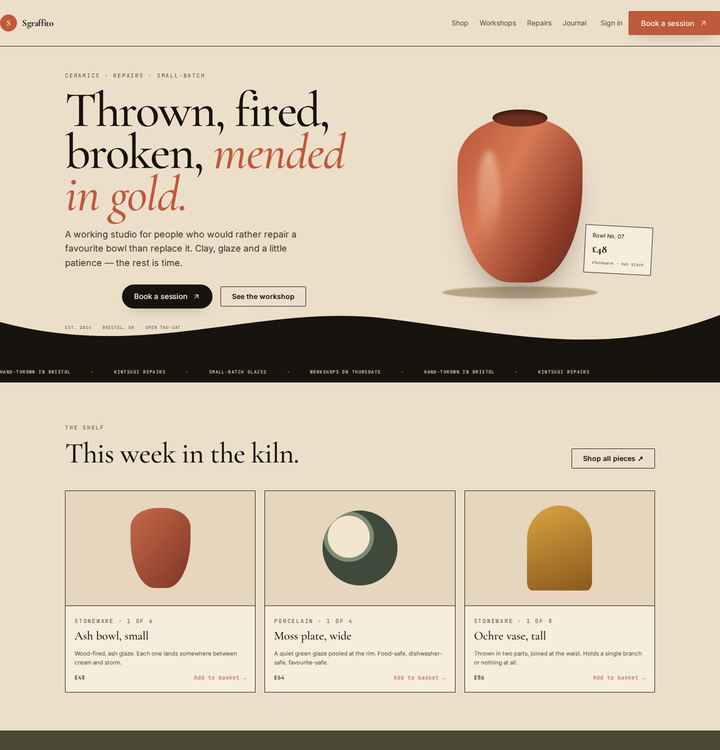
Terracotta, bone, handmade
A ceramics-studio commerce page with a swept S-curve, product cards and a kiln booking form.
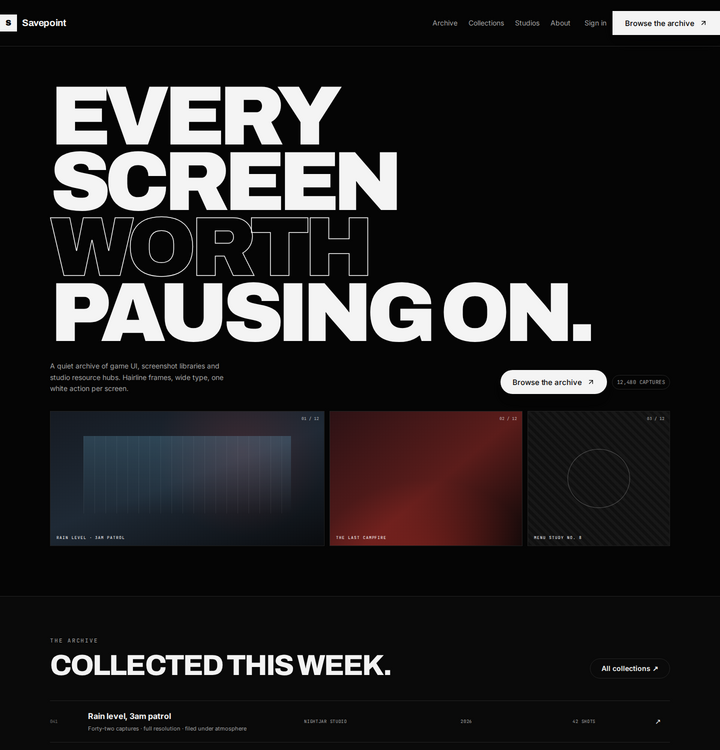
Black, wide, archival
A game-UI archive: huge extended display type, a three-up capture gallery and collection rows.
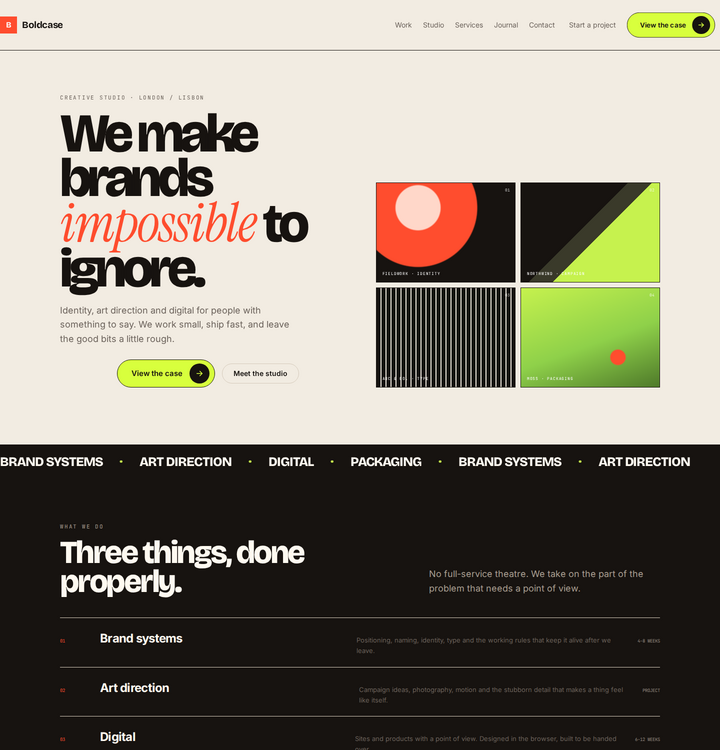
Paper, tomato, bento
A creative-studio bento page with oversized display type, halftone tiles, a marquee and a contact form.
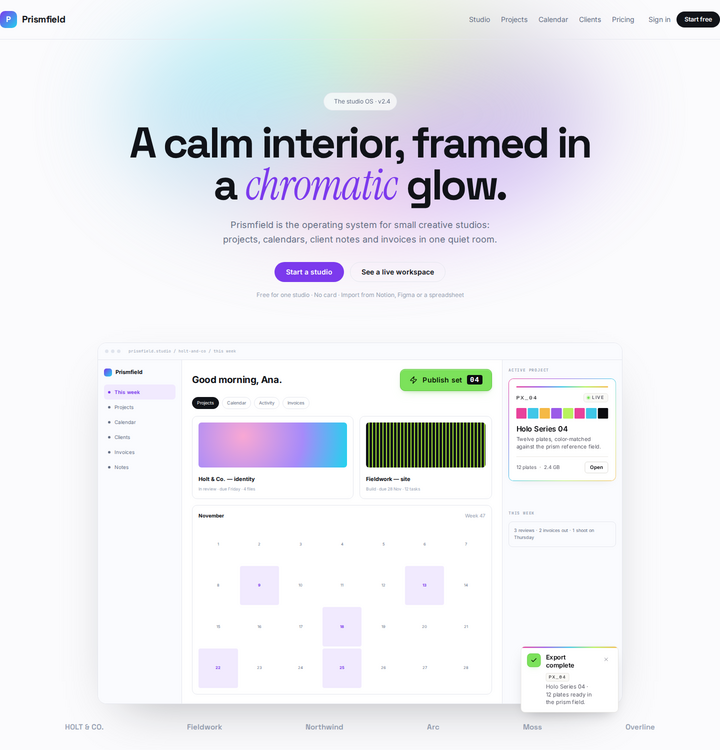
Holographic, white, calm
A studio dashboard landing with a holographic glow, project + calendar app shell and bento features.
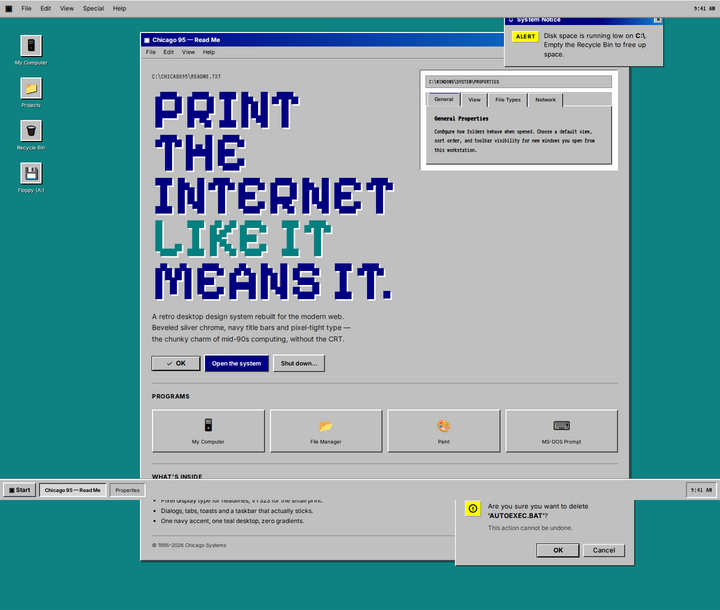
Teal, silver, playful
A desktop-OS layout: beveled windows, navy title bars, pixel type, a properties panel and a taskbar.
Put two directions side by side. The difference is not “which is prettier” — it is which one makes the offer easier to understand.
Try Cirrus against Nightdesk for a SaaS product, Transect against Headcount for public data, or Marque against Boldcase for a studio.
Buttons, cards, inputs and switches can move between directions. This is the part clients remember: their site does not have to look like the template.
Black pill, arrow, SaaS CTA.
buttonWhite action on a dark editorial page.
buttonBeveled retro dialog action.
buttonBold studio CTA with a hard shadow.
buttonDark evidence card with a live ribbon.
cardEditorial colour specimen card.
cardKPI card with a tiny bar chart.
cardPill search with a keyboard hint.
inputMinimal outlined form field.
inputTwo labelled settings switches.
switchEach element is plain HTML and compiled CSS, scoped to its own class so it cannot collide with the page. We can take the Aether dossier card into a Cirrus page, or put the Chicago 95 button in a Marque layout — and keep both looking intentional.
The tier is a scope decision, not a quality decision. Every tier gets the same care; the difference is how much has to exist.
| Tier | Best for | Timeline | From | Live example |
|---|---|---|---|---|
| One-Page Launch The clear first impression | A new service, a single offer, an event or a personal brand that needs to look real today. | 1–2 weeks | $1,500 | Booth ↗ |
| Content Site The useful five-pager | A business that needs to explain several services, build trust and be found in search. | 3–4 weeks | $3,900 | OhioMotoCrashes ↗ |
| Storefront Browse, choose, pay | A product or local business that needs a real catalogue, orders and a payment path. | 6–8 weeks | $8,900 | Kituwa Beef ↗ |
| Web App / Platform Accounts, data, workflows | A product with sign-in, roles, money, records, moderation or a workflow that cannot live in a form plugin. | 10–16 weeks | from $24,000 | Charter ↗ |
This page is print-friendly. Use the print button at the top; the layout previews become a clean reading list.